Using the Cosmos Data Dictionary
A helpful resource to rely on, both for SlicerDicer work and DSVM work, is the Data Dictionary. This can be accessed through the book-icon at the top of Cosmos and allows you to search for specific pieces of data you are interested in to see if/where it’s available.

Searching for Data
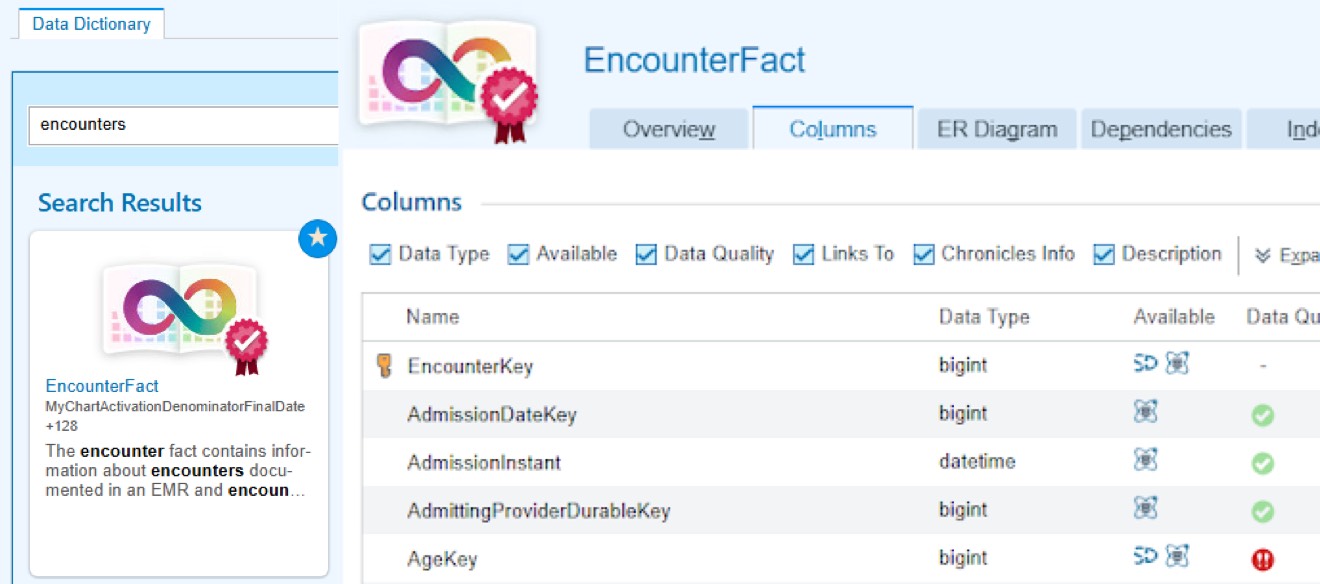
For example, if you wanted data on encounters within Epic, you might search “encounter” and find the “EncounterFact” table. Once clicked on, you will then be able to see all data contained in this table, whether it’s available in the DSVM, SlicerDicer, or both, the quality/completeness of that data, and a description.