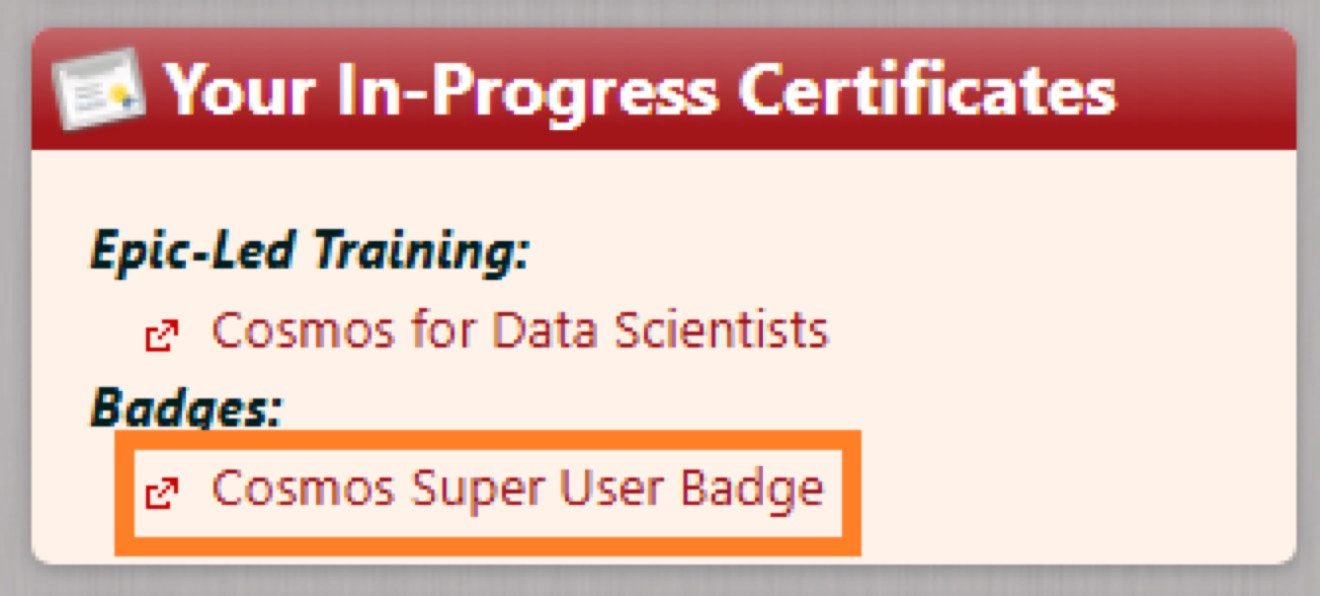
If you are working with SlicerDicer within Cosmos, there are educational videos available through Epic’s “weLearning” portal that will explain how the portal works, how SlicerDicer works, and will assist you in making more advanced queries. You can search for “Cosmos” to find all relevant videos, or see below:
Additionally, we recommend that at least one user per department go through the self-guided training to become a Cosmos Super User – this provides additional training to help become first-level support for Cosmos inquiries within your department, and also grants the organization additional licenses to allow more researchers into Cosmos. To register, email registrations@epic.com letting them know that you’re interested in the “Cosmos Super User Badge”. Once confirmed, they will add it to your account and the materials can be accessed through Epic’s training site.